



Best For
stores actively evaluating delivery and pickup tooling
lean teams that want a lower-risk free-plan starting point
Quick Take
Free plan available
1.7 stars from 12 reviews
Launched June 7, 2024
Key Features
- One-click Send to SteadFast parcel booking automation.
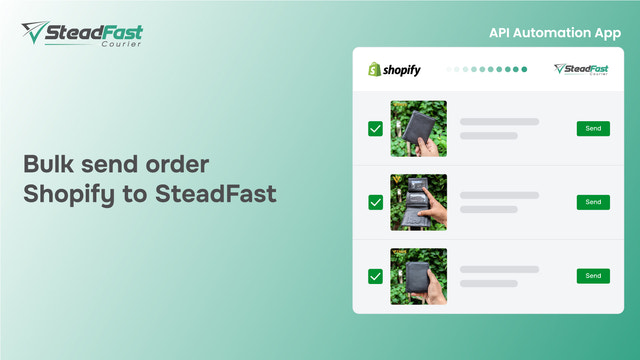
- One-click bulk parcel Send to SteadFast parcel booking automation.
- SteadFast parcel tracking and Consignment ID/Invoice ID.
- SteadFast Balance Check.
- Print Order information.
About SteadFast
The SteadFast Shopify App enables you to easily book your SteadFast courier parcel requests directly from your Shopify orders. Utilize Shopify order information to automate your SteadFast Courier parcel booking with just one click. You can also send bulk parcels with the "bulk send" feature. Additionally, you can check your balance and print your order invoice with the SteadFast Consignment ID.
What Merchants Think
"SteadFast is often criticized for its unreliable performance, with many users experiencing significant issues that prevent effective parcel booking."
Rating Breakdown
SteadFast Pricing Plans
Free
- One-click Send to SteadFast parcel booking automation
- One-click bulk parcel Send to SteadFast
- SteadFast parcel tracking and Consignment ID/Invoice ID
- SteadFast Balance Check
- Print Order information
Categories & Features
Integrations
Category Links
Languages
Developer & Support
Claim this app
Create or use an AppStacked account to claim SteadFast and prepare for future profile controls, data edits, and monetization features.
Sign in first to submit a claim request and manage it from your account.